
The Battle of the Converters: Our Experience Extracting Text from the DOF
A comparative analysis of different tools for converting PDFs to markdown and why we chose Marker for our DOF-RAG project.
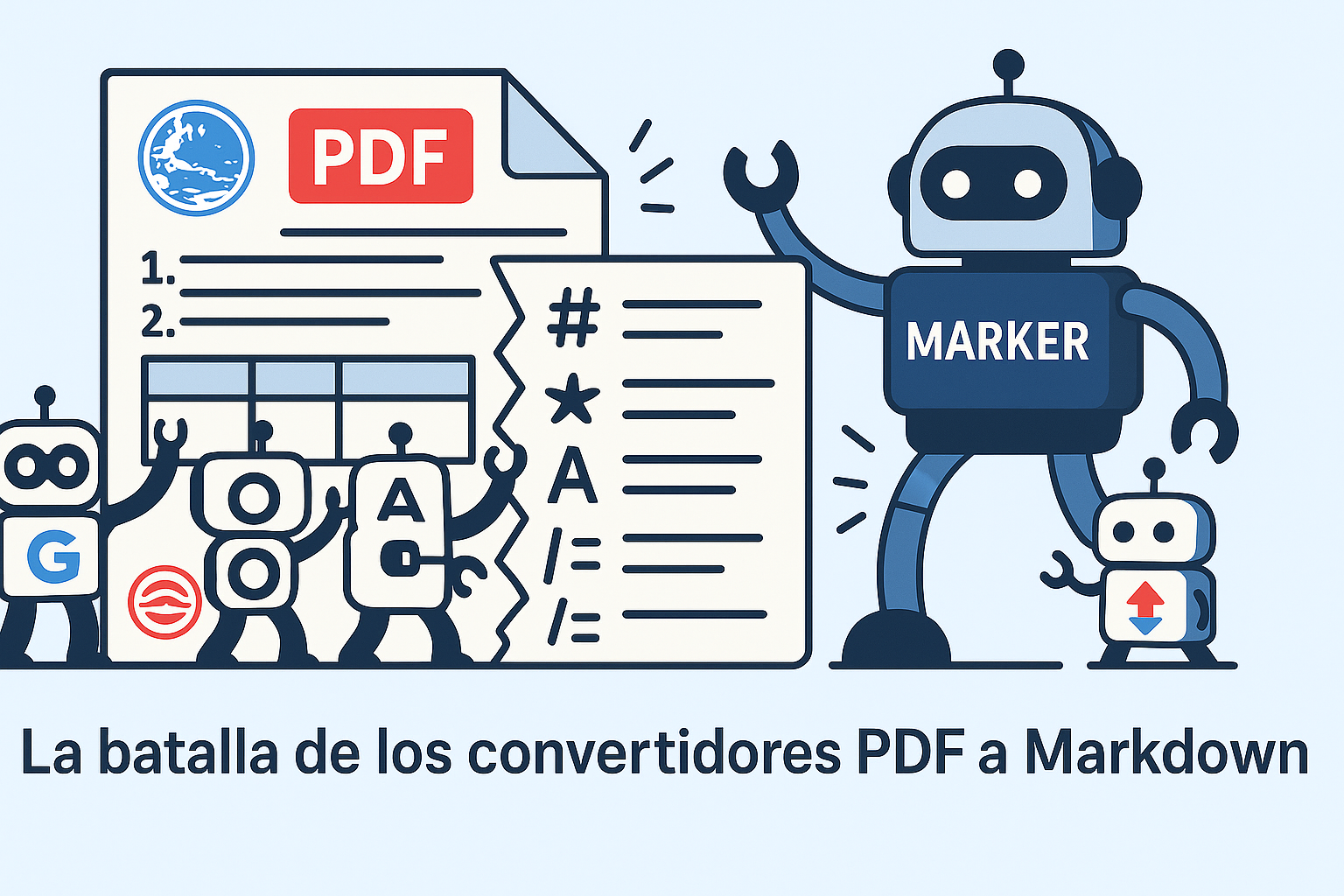
The Battle of the Converters: PDF vs. Markdown
If you’ve ever tried to extract structured information from a PDF, you probably know that feeling… that exact moment when you realize you’ve entered a maze that won’t be easy to escape.
In our project, where we process documents from the Official Journal of the Federation (yes, those lengthy legal documents that few read but affect millions), we faced the monumental challenge of converting thousands of PDF pages into a format that AI models could digest without suffering digital indigestion.
The Challenge: Not All PDFs Are Created Equal
DOF documents are not exactly simple PDFs. We’re talking about files with:
- Complex tables with multiple levels and diverse formats
- Images and graphics interspersed across different sections
- Multiple columns that make automated reading difficult
- Footnotes appearing in unexpected places
- And on top of all that, a highly elaborate hierarchical heading structure
Converting all of this to markdown while maintaining the structure, formatting, and integrity of the information is like trying to translate poetry: something always gets lost in the process.
The Contenders: Our Converter Comparison
We decided to test several tools to see which one best fit our needs. Here’s our analysis after running them against a 402-page document:
| Tool | Processing Time | Quality (1-10) | Strengths | Weaknesses |
|---|---|---|---|---|
| Marker | 1340 sec | 8.5 | Image extraction (90% accuracy), JSON metadata, good tables, pagination | Occasional issues with heading hierarchy |
| Marker w/ Gemini | 3748 sec | 8 | Similar to Marker but with AI-assisted processing | Excessive time, no significant improvements |
| Docling | 2338 sec | 8 | Quality similar to Marker | No image extraction, failures in some tables, no pagination |
| Gemini | 2792 sec | 9 | Excellent conversion of lists, bold text, and tables | No image extraction, excessive time |
| PyMuPDF | 6 sec | 2 | Extremely fast, good image extraction | Doesn’t recognize headings or hierarchy, barely usable output |
| pymupdf4llm | 77 sec | 8 | Fast, quality similar to Marker | No image extraction, no pagination |
Note: All tests were run on a laptop with an Intel Core i5-11300H (3.10 GHz), 16GB RAM, Windows 11 Pro, and NVIDIA GeForce GTX 1650.
And the Winner Is…?
After this detailed analysis, we chose Marker as our primary tool. It was like choosing between several dishes with similar ingredients but different preparation times and presentation.
Why Marker? Basically for the balance between:
- Reasonable speed: Not the fastest, but it didn’t make us age while waiting either
- Good extraction quality: It preserves the original document structure in most cases
- Image extraction: Because images also contain valuable information
- Pagination: Essential for maintaining references to the original document
Not All Roses: Marker’s Limitations
Like any long-term relationship, our story with Marker has its ups and downs. After processing quite a few documents, we’ve identified some issues:
- Confusing hierarchy: Sometimes it mixes up heading levels, turning what should be an H2 into an H3, or vice versa. It’s as if the organizational levels suddenly get jumbled together.
- Excessive
<br>tags: In documents with many tables, Marker can generate an excessive number of<br>tags that make the resulting code hard to read and process. - Complex tables: Although it handles simple tables well, when faced with merged cells or special formatting, the result can deviate significantly from the original structure.
- Processing time: It’s not exactly lightning-fast, especially with lengthy documents. Processing our 402-page test document took over 22 minutes — enough time to make and enjoy a cup of coffee… or three.
What Did We Learn?
After this experience with different tools, we can share a few lessons:
- There is no perfect tool: Each one has its strengths and weaknesses, and the choice depends on your specific priorities.
- Speed comes at a cost: PyMuPDF is incredibly fast (6 seconds vs. Marker’s 1340), but the quality is so low that the results are barely usable.
- AI isn’t always the answer: Integrating Gemini into the process tripled the time without a proportional improvement in quality.
- Post-processing is inevitable: Regardless of the tool you choose, you’ll always need some kind of cleanup or adjustment afterward.
Tools on Our Radar: What’s on the Horizon
Although we’ve settled on Marker for now, the world of PDF text extraction keeps evolving. Here are two promising tools we have our eye on for future evaluation:
MinerU (OpenDataLab)
MinerU is an open-source tool that caught our attention for its specialized approach to converting scientific documents to formats like Markdown and JSON.
What interests us:
- Integration with PDF-Extract-Kit for improved layout detection and OCR
MarkItDown (Microsoft)
Developed by Microsoft, this Python utility is quickly gaining popularity and offers compatibility with a wide range of formats, including Office documents and PDFs.
What caught our attention:
- Extensible plugin system: Allows adding custom functionality or using third-party plugins for specific use cases
- Specific optimization for language models, with token-efficient outputs
- Support for multiple formats beyond PDF (DOCX, XLSX, HTML, etc.)
Conclusion: Navigating the Ocean of Converters
In the universe of PDF-to-markdown conversion, there are no silver bullets. Our choice of Marker represents a compromise between quality, time, and features, but we continue experimenting and improving our pipeline.
Document extraction and processing is just the first step in our project. Once converted to markdown, these documents go through a chunking (fragmentation) process, vectorization, and finally get integrated into our retrieval-augmented generation (RAG) system to provide precise answers to queries about DOF content.
Do you know a better text extraction tool we should try? Do you have tricks for improving results with Marker or other libraries? Share your experience in the comments!
This post is part of our DOF-RAG project for the intelligent processing and querying of documents from the Official Journal of the Federation. For more information about the full architecture, system components, and project progress, we invite you to visit our GitHub repository and join our community.
Comentarios